This guide explains how to view all tickets at your school (if given access).
To view tickets:
- (For the first time) Use the activation email sent to you (separate to this email) to set your password. If this is the first time accessing your account.
Once logged in:
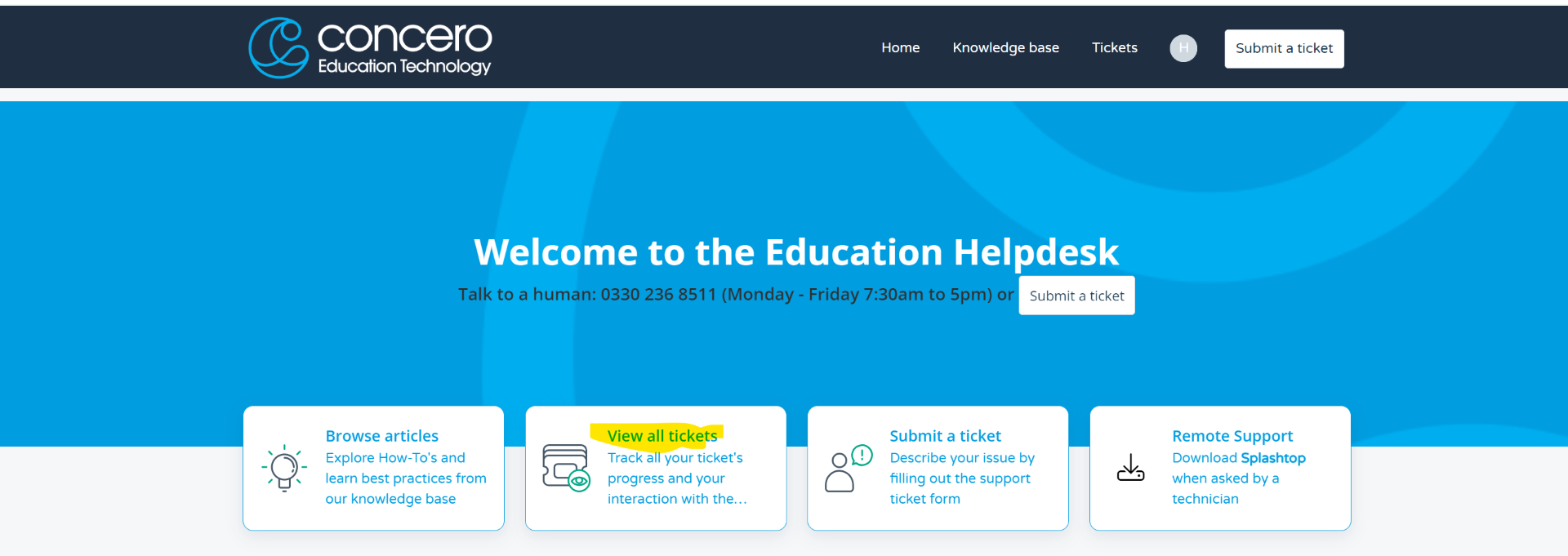
- Select "View all tickets".
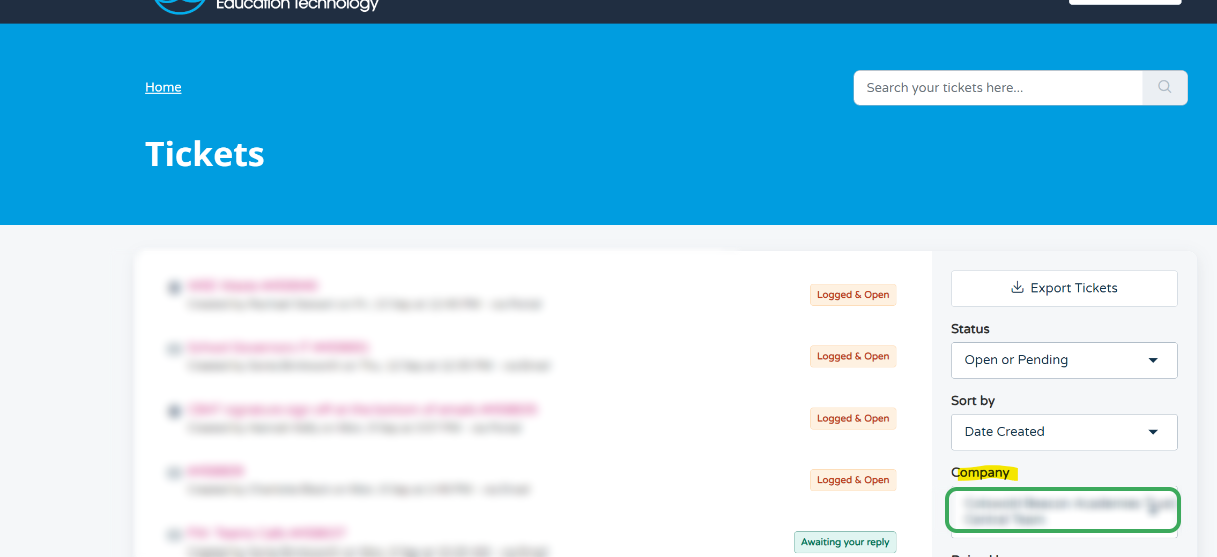
- Use the "company" dropdown to switch between the your schools.
Was this article helpful?
That’s Great!
Thank you for your feedback
Sorry! We couldn't be helpful
Thank you for your feedback
Feedback sent
We appreciate your effort and will try to fix the article