The customer portal holds all the main essential operations such as : Browse articles, view tickets, submit tickets and install applications for remote support. When we want to help you or support you we refer to the customer portal. It is important for you as customers to understand how the website works and how to operate on it effectively. This article will help you understand the basics and the use of the website.
2) After signing in you should click the search bar and open Microsoft Edge.
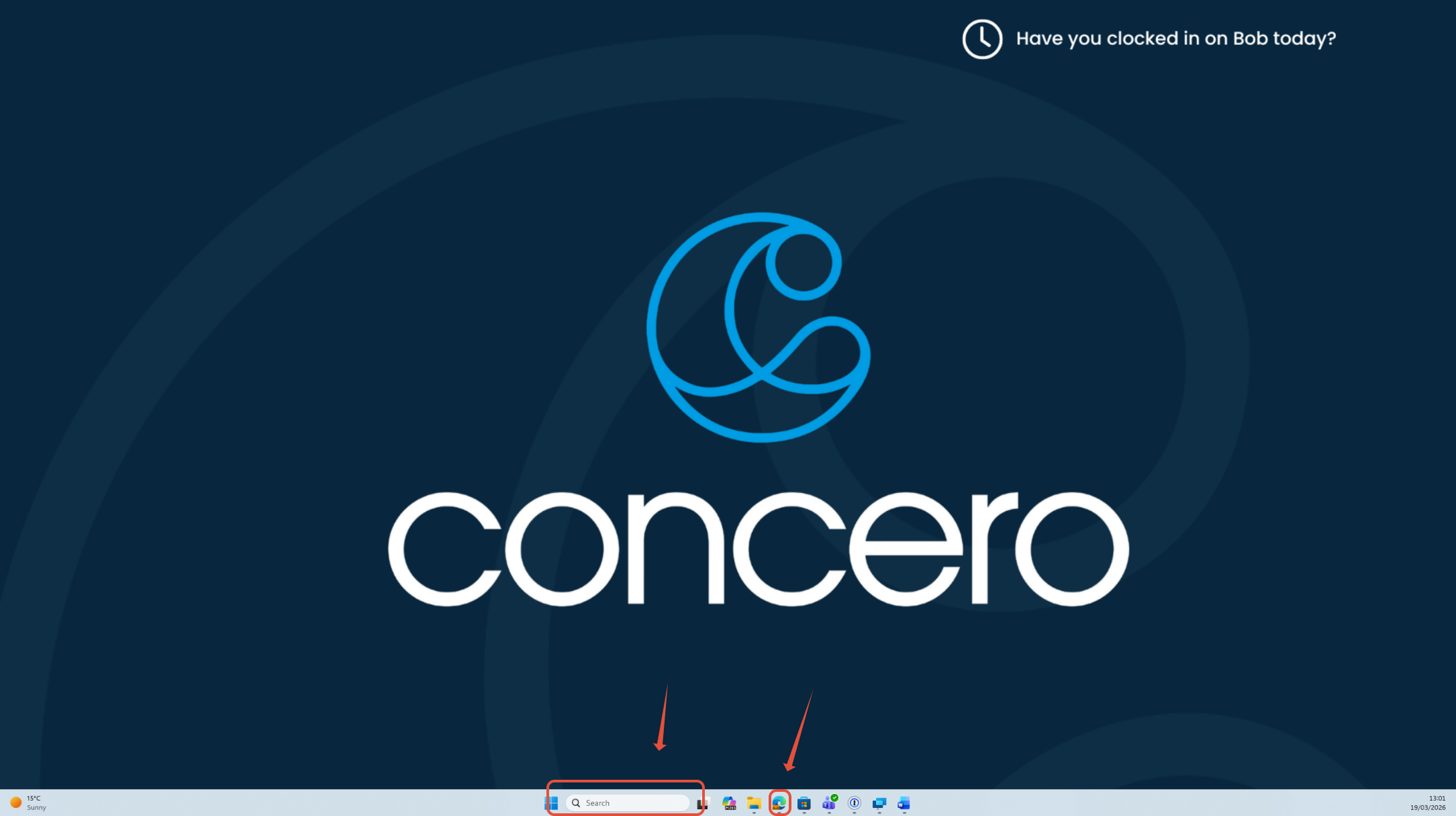
3) From here you can search up on the URL bar and type in or copy and paste:
- help.concero.education ( for any educational institutions )
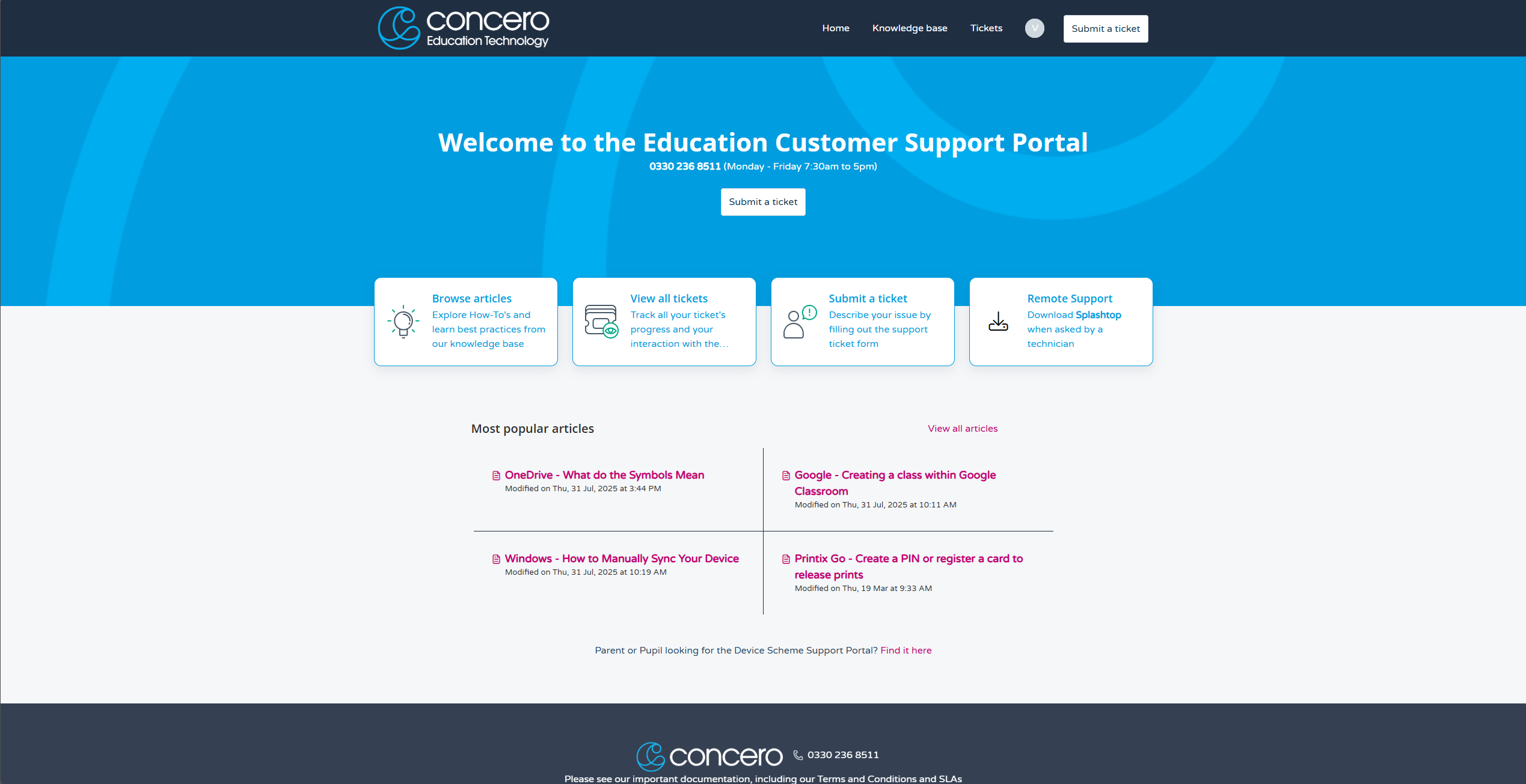
4) Here, you will see the home screen of the Customer Portal, within this Customer Portal you can:
- Create Tickets
- View Tickets
- Browse Articles
- Install Remote Support
Browse Article Feature:
1) This Browse Article Feature is used to view all created articles that have been published to help fix your reported issues. After clicking on the browse article button you will be lead to a page where all articles are stored, you can search the articles on the top right.
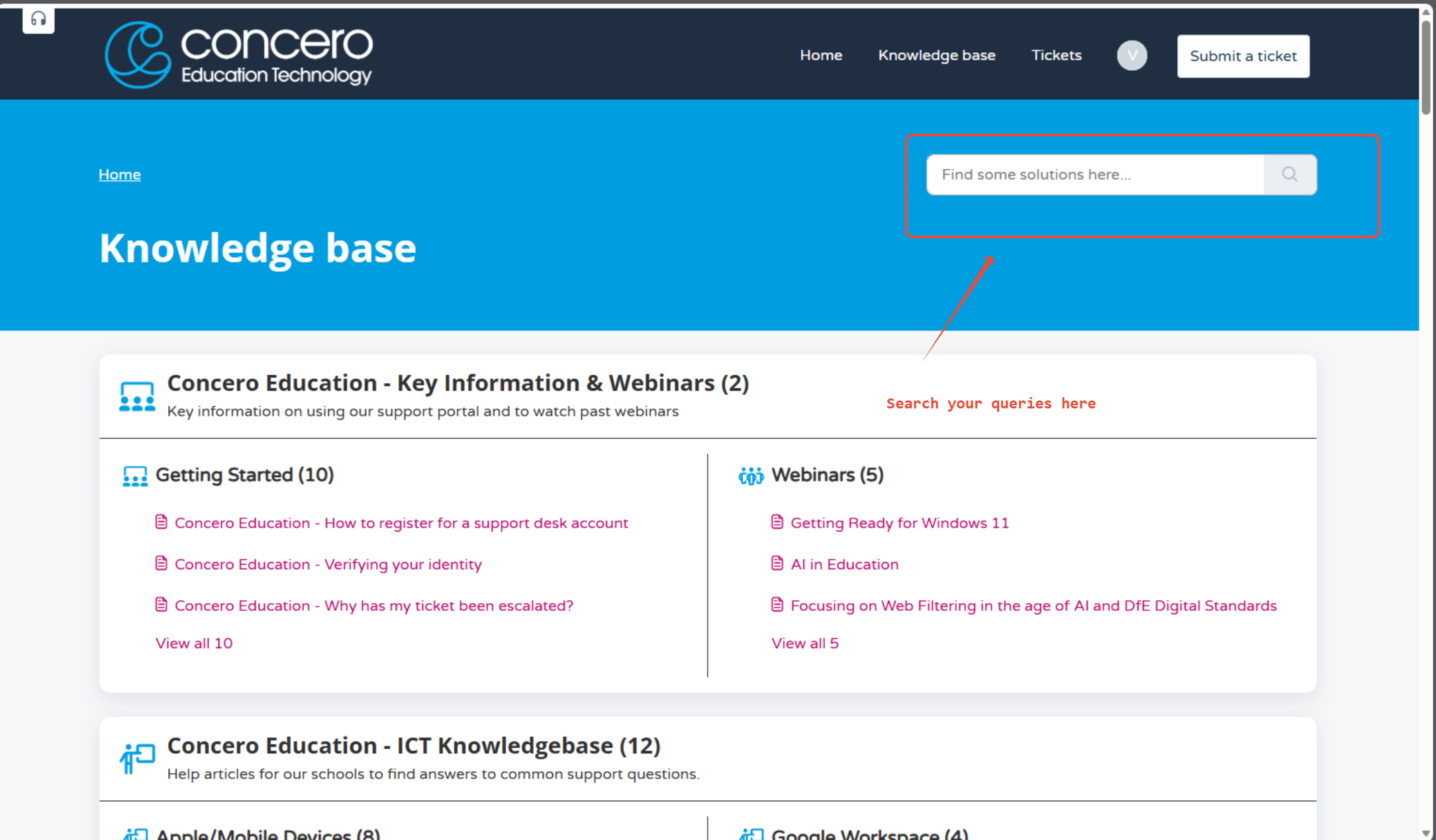
2) You can also scroll through the page and see different issues, such as hardware issues, software issues, user access or log in help etc. When you click on your article related to your issue you can read it, please make sure that you leave a review at the end.
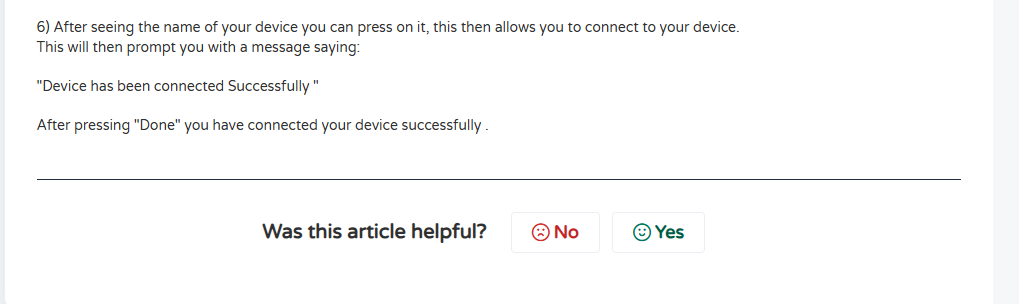
Quick Tip!
Please be honest if the article had helped you solve your issue, we really value your feedback and always aim to satisfy our customers. Viewing tickets
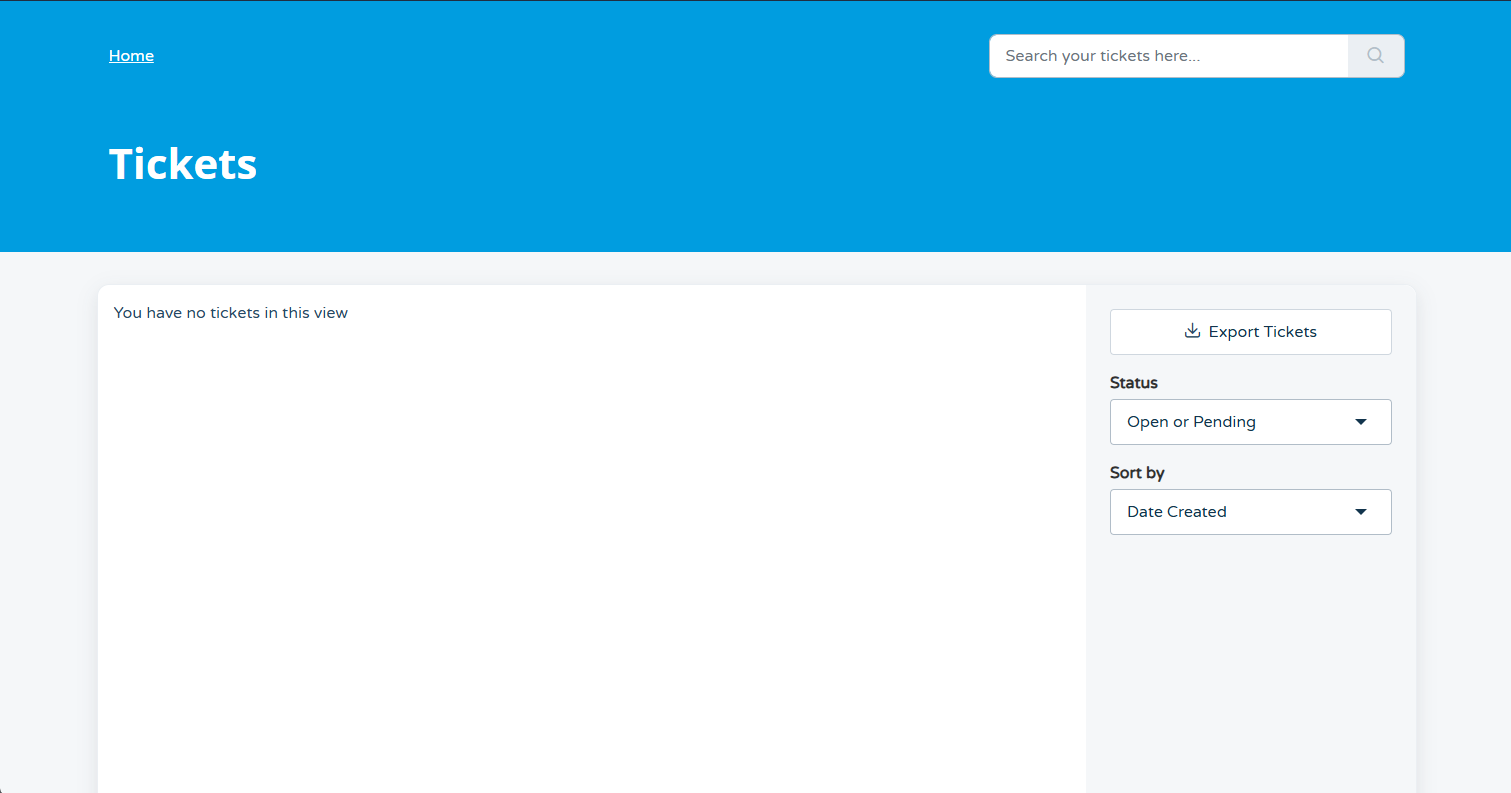
1) This function is primarily used to view any of your active tickets if you have no tickets it will show up as :
Was this article helpful?
That’s Great!
Thank you for your feedback
Sorry! We couldn't be helpful
Thank you for your feedback
Feedback sent
We appreciate your effort and will try to fix the article