Read for the best shortcuts to help you in excel.
Find things fast
This is good for large sheets.
If you need to locate a certain cell you press "CTRL+F" on the keyboard (at the same time) to locate it a lot faster.
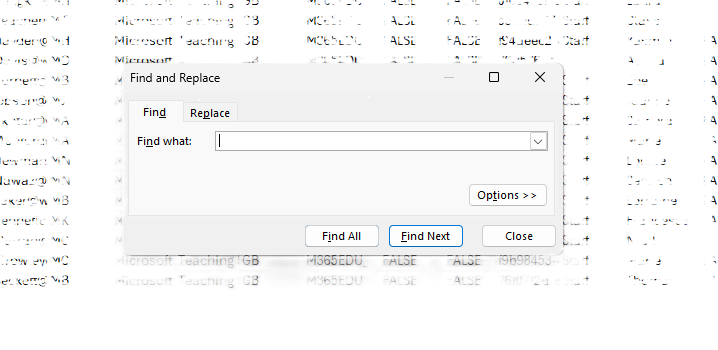 And a box like this should appear where you can type in your word and it will show the cell that you want.
Add and delete rows/columns
To be able to do this you can press "CTRL Shift and +" at once and a small table will appear showing you options.
Shift is the arrow button under the Caps lock on the keyboard.
The table should look like this
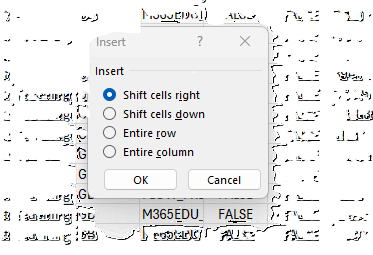
Adding a table
If you need to add a table pressing "CTRL+T" will add on automatically once you have entered which cell you want it to start from.
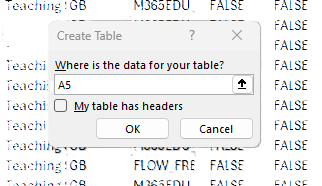
In this example I wanted to start the table from the cell A5.
To undo something
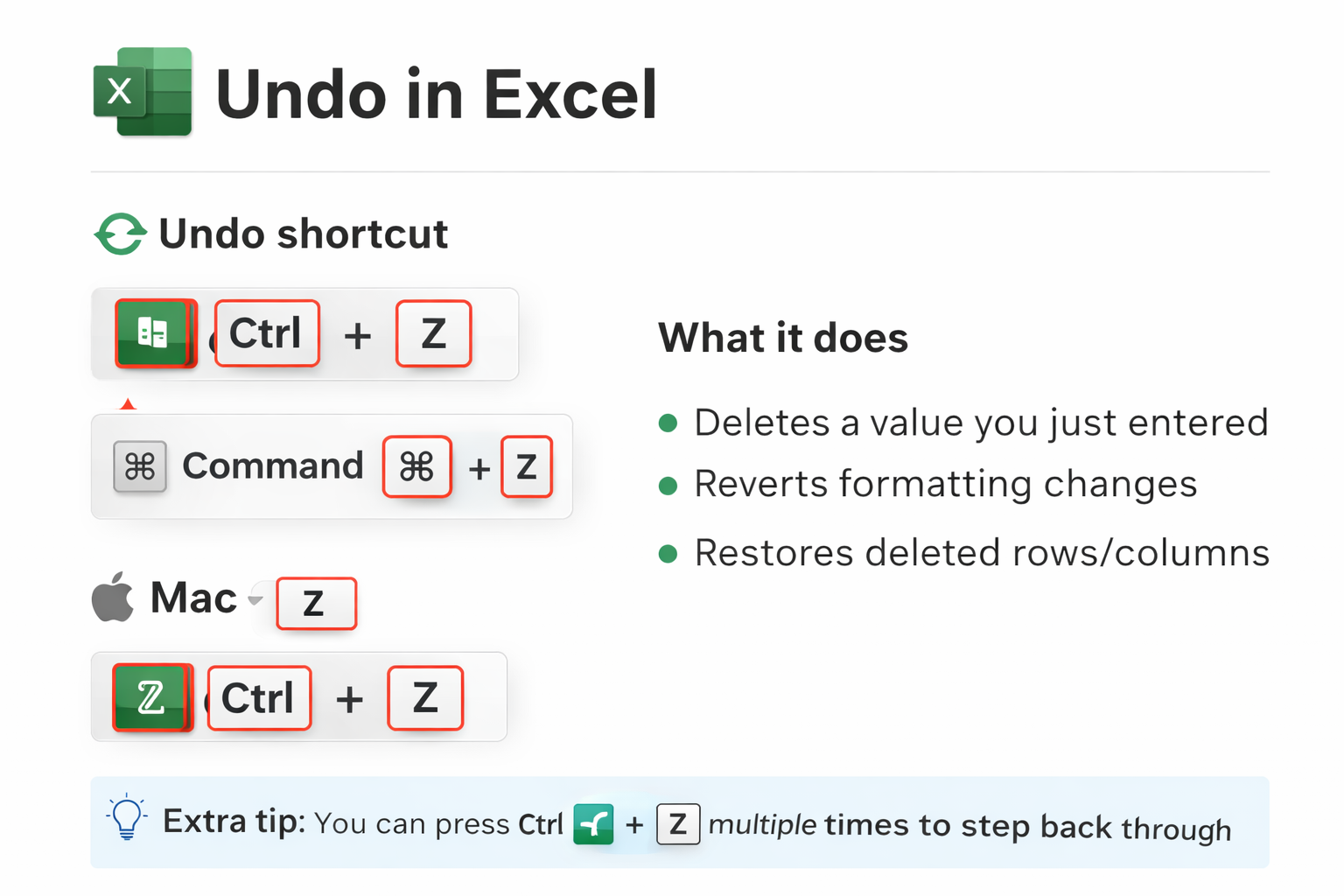
If you mess something up pressing "CTRL+Z" on the keyboard is the fastest way to do something.
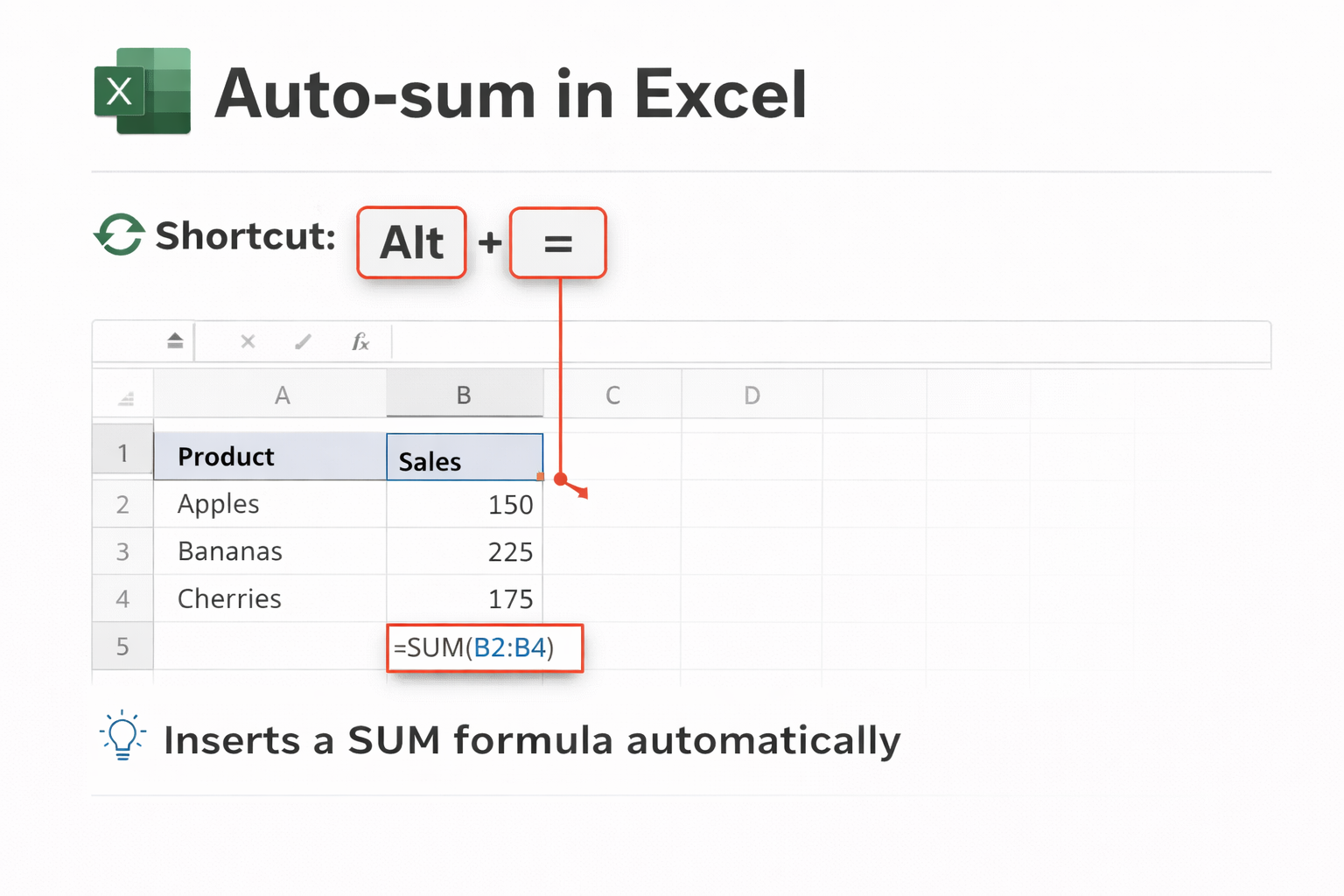
Auto sum
If you want a sum formula for with typing it press "ALT+=" this will automatically do the sum.
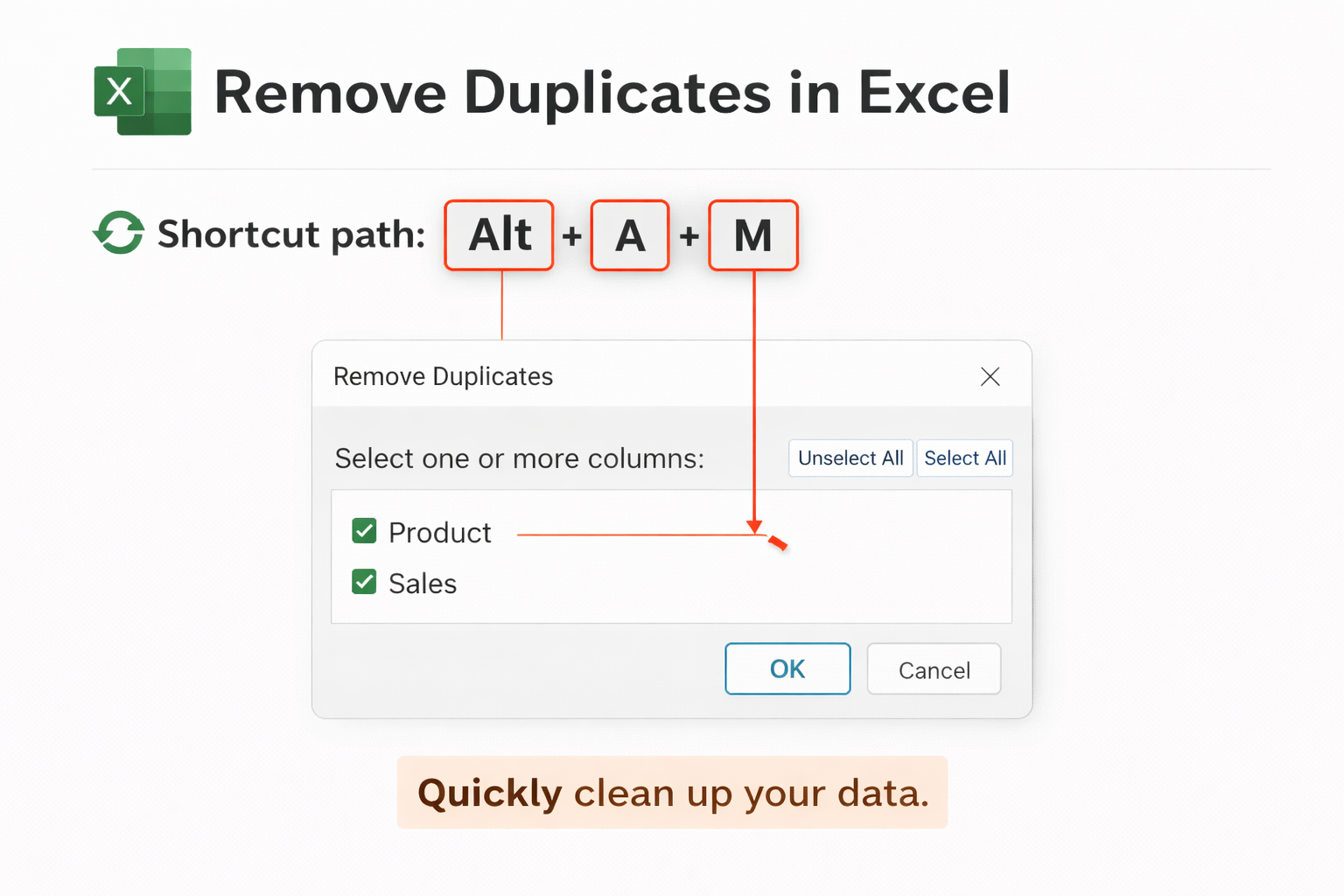
Remove duplicates
If you want a speedy way to remove duplicates then pressing "ALT+A+M" at the same time will instantly clean this up.
Repeat last action
If you want to redo the last thing you just did instead of manually typing it press "F4"
If you have any other issues and questions contact us through our customer portal online.
Was this article helpful?
That’s Great!
Thank you for your feedback
Sorry! We couldn't be helpful
Thank you for your feedback
Feedback sent
We appreciate your effort and will try to fix the article