The below article will provide advice on how to transfer photos as JPEG and not HEIC format. As JPEG is much more widely supported.On the iPad/iPhone, can you check the following?
- Go to Settings > Photos.
- Scroll down to the Transfer to Mac or PC section.
- Tap Automatic.
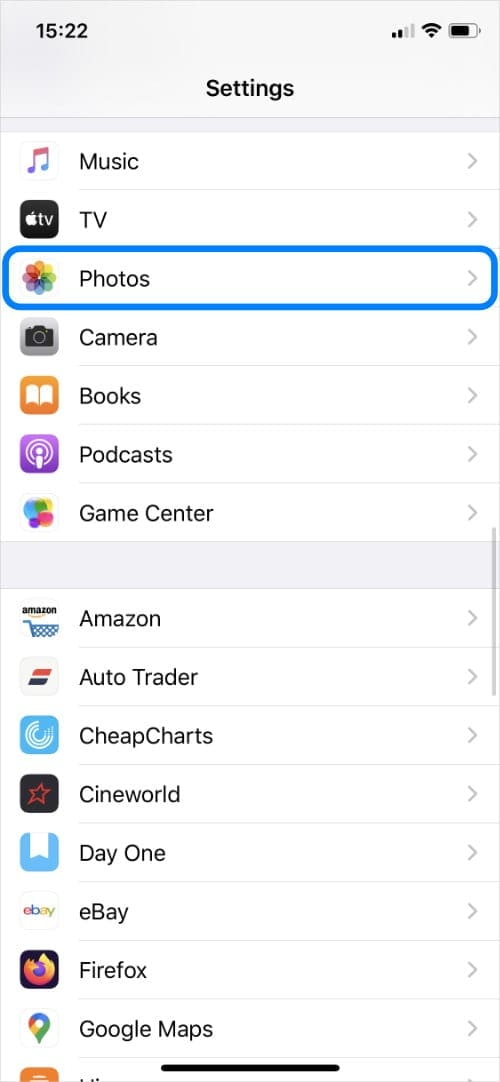
Tap Photos.
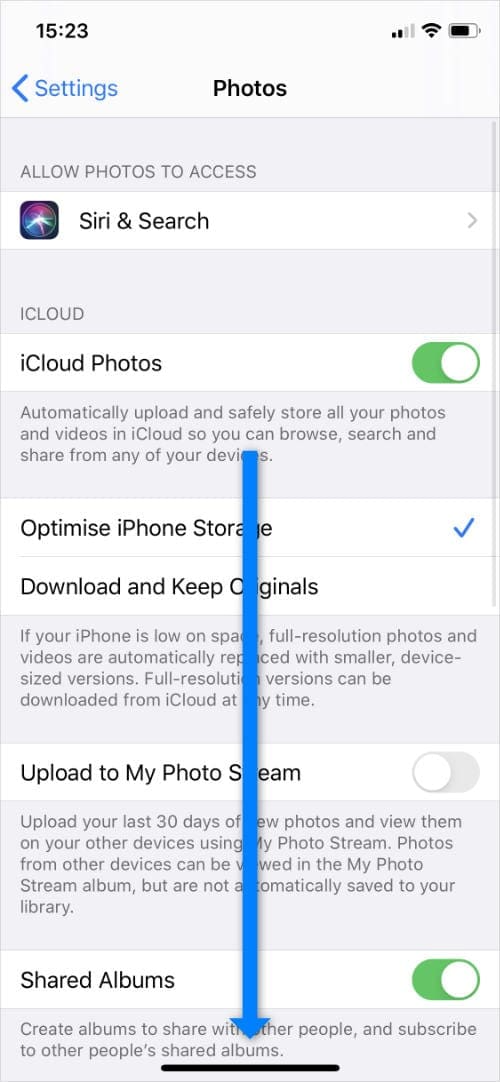
Scroll down.
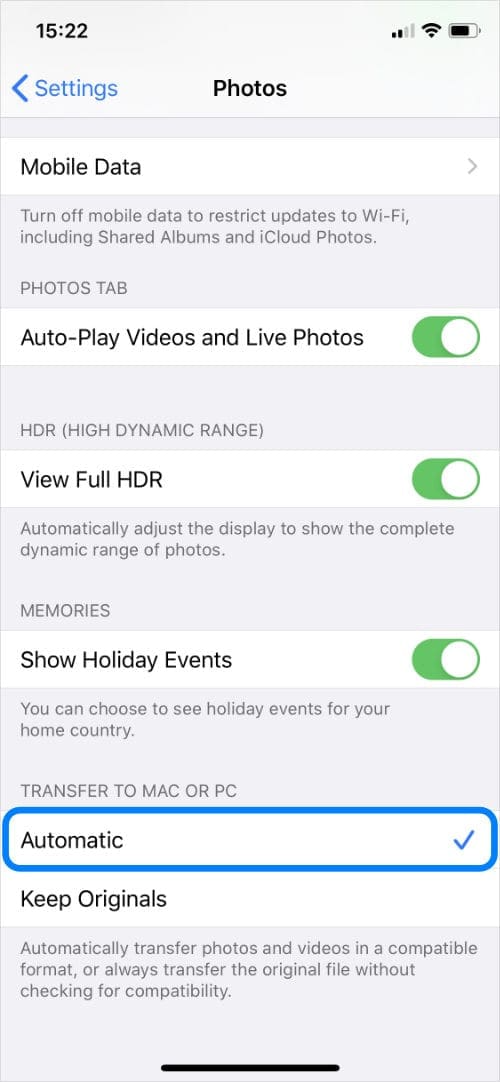
Select Automatic.
The next time you transfer photos to an older Mac or a PC, your iPhone should automatically convert photos to JPEG format.
Was this article helpful?
That’s Great!
Thank you for your feedback
Sorry! We couldn't be helpful
Thank you for your feedback
Feedback sent
We appreciate your effort and will try to fix the article