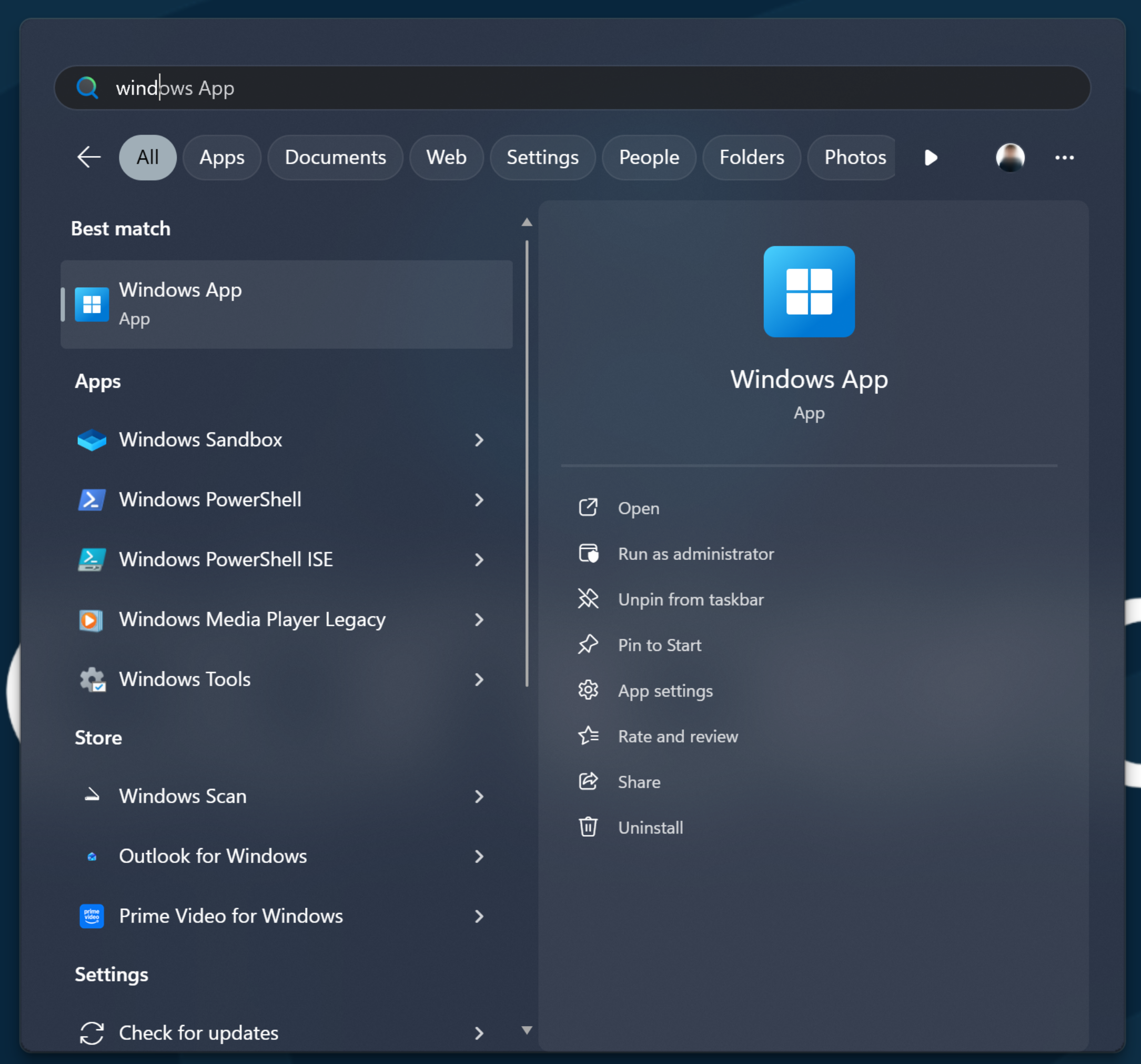
1.) To access - Open Windows App (Search Windows App on start menu)
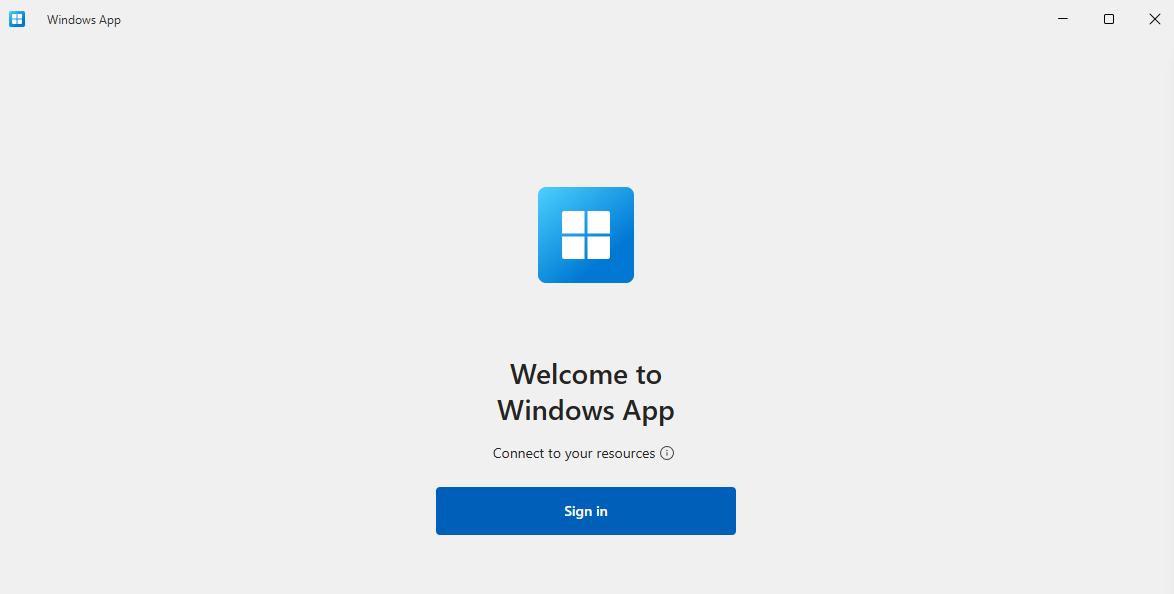
2.) Click Sign In, and enter your school username and passwords
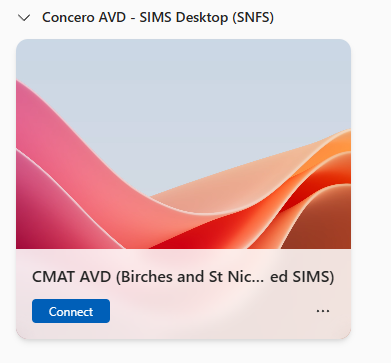
3.) Click Connect on the Concero AVD - SIMS Desktop
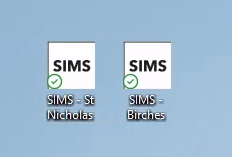
4.) Click on the correct SIMS Icon for your school:
Was this article helpful?
That’s Great!
Thank you for your feedback
Sorry! We couldn't be helpful
Thank you for your feedback
Feedback sent
We appreciate your effort and will try to fix the article