This article goes through checking your device updates status across the organisation in Google so you can plan ahead.1) Open admin.google.com and go to Devices -> Chrome -> Devices
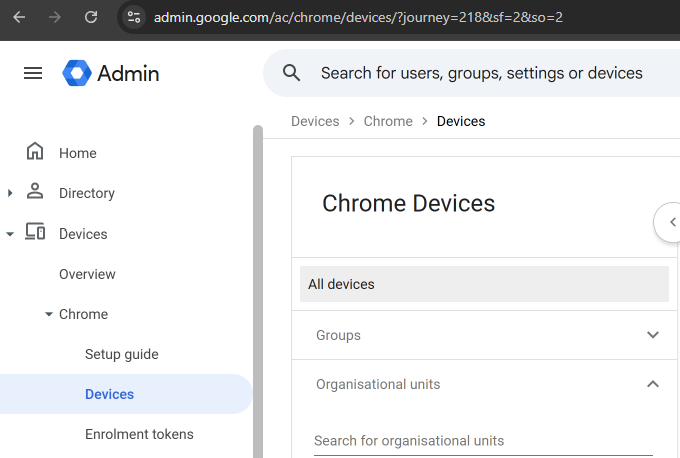
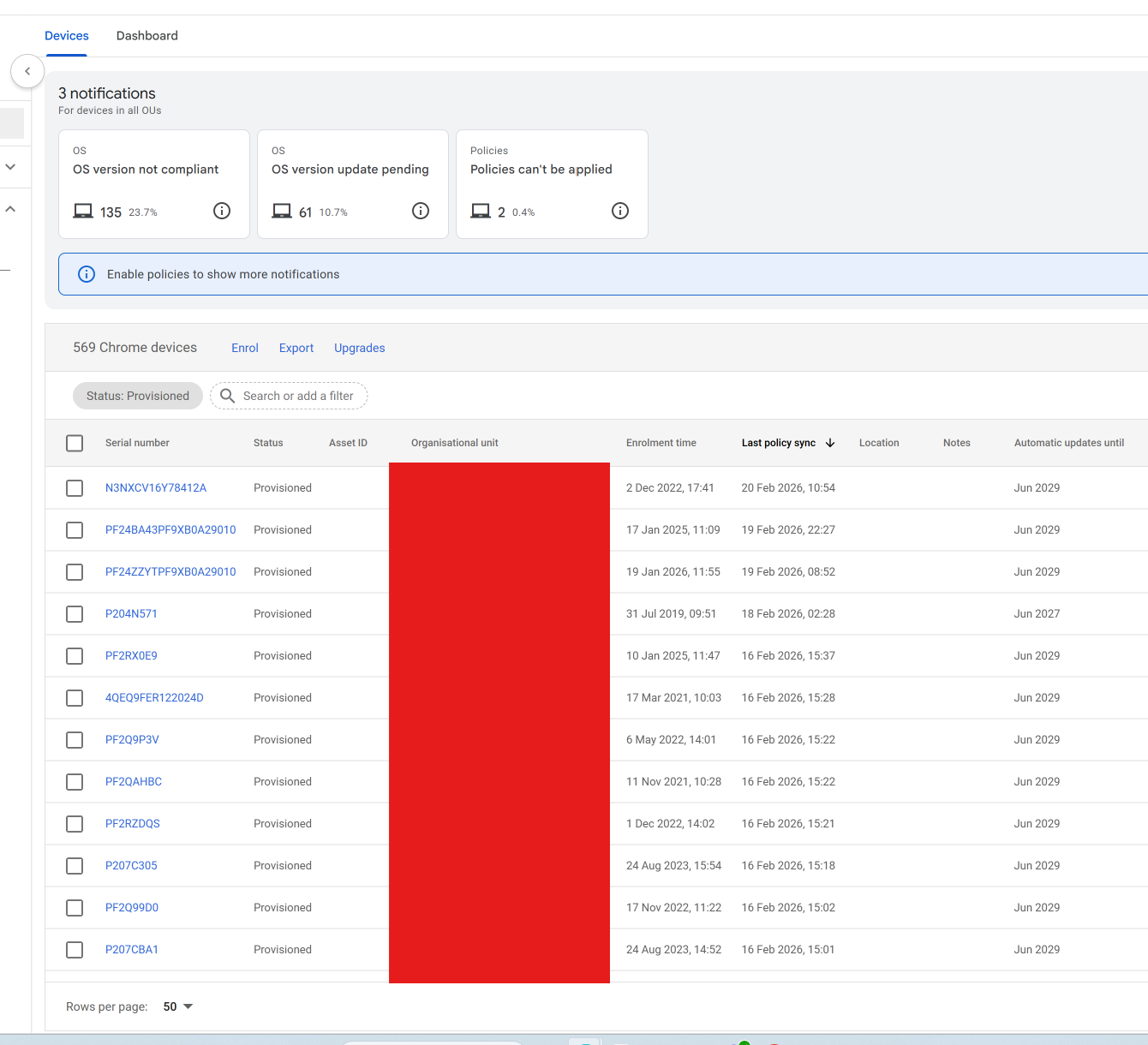
2) Filter by the top level organisational unit and select Export - This provides device information which can be used to see what is in use at the school. You can also filter by automatic updates to see when automatic updates will stop on specific devices.
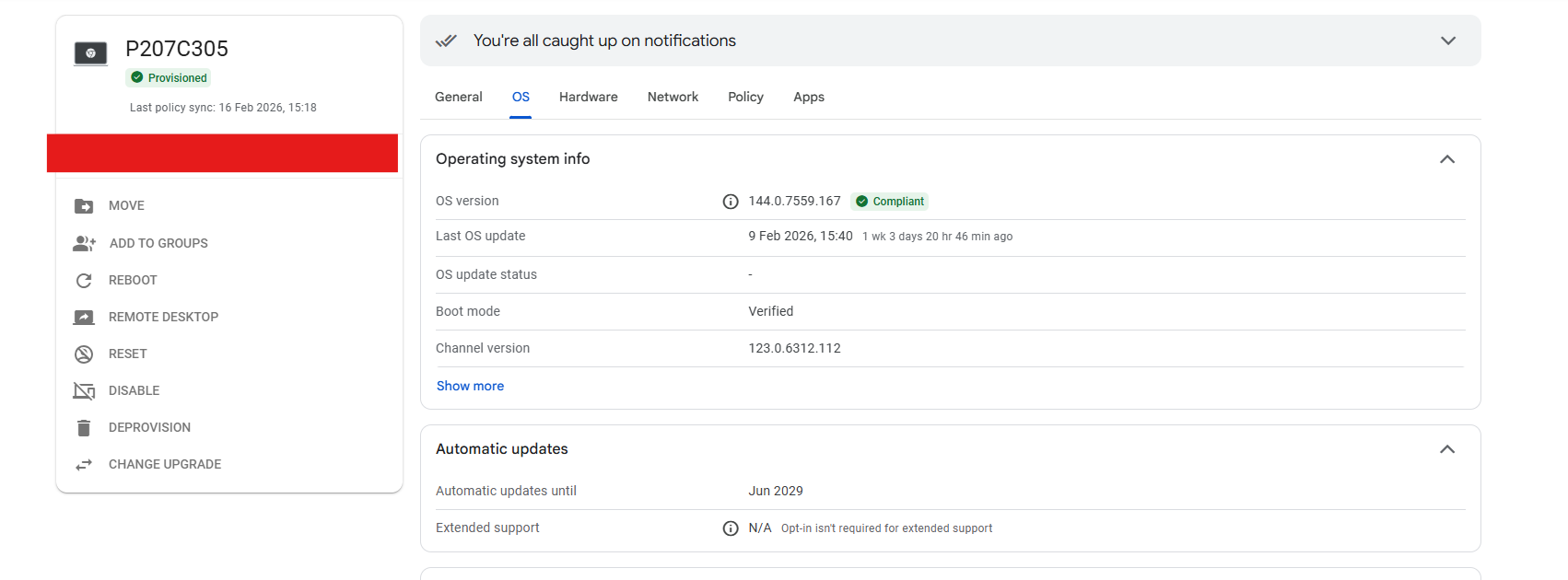
3) You can click into individual devices to see if they need "opting in" for extended updates. For more information on extended support please see - Extended updates support - Chrome Enterprise and Education Help
Was this article helpful?
That’s Great!
Thank you for your feedback
Sorry! We couldn't be helpful
Thank you for your feedback
Feedback sent
We appreciate your effort and will try to fix the article