This article will be showing you how to find your Laptop serial number physically.Step 1: Flip your laptop over
- This is the correct side of the laptop which will be the bottom.
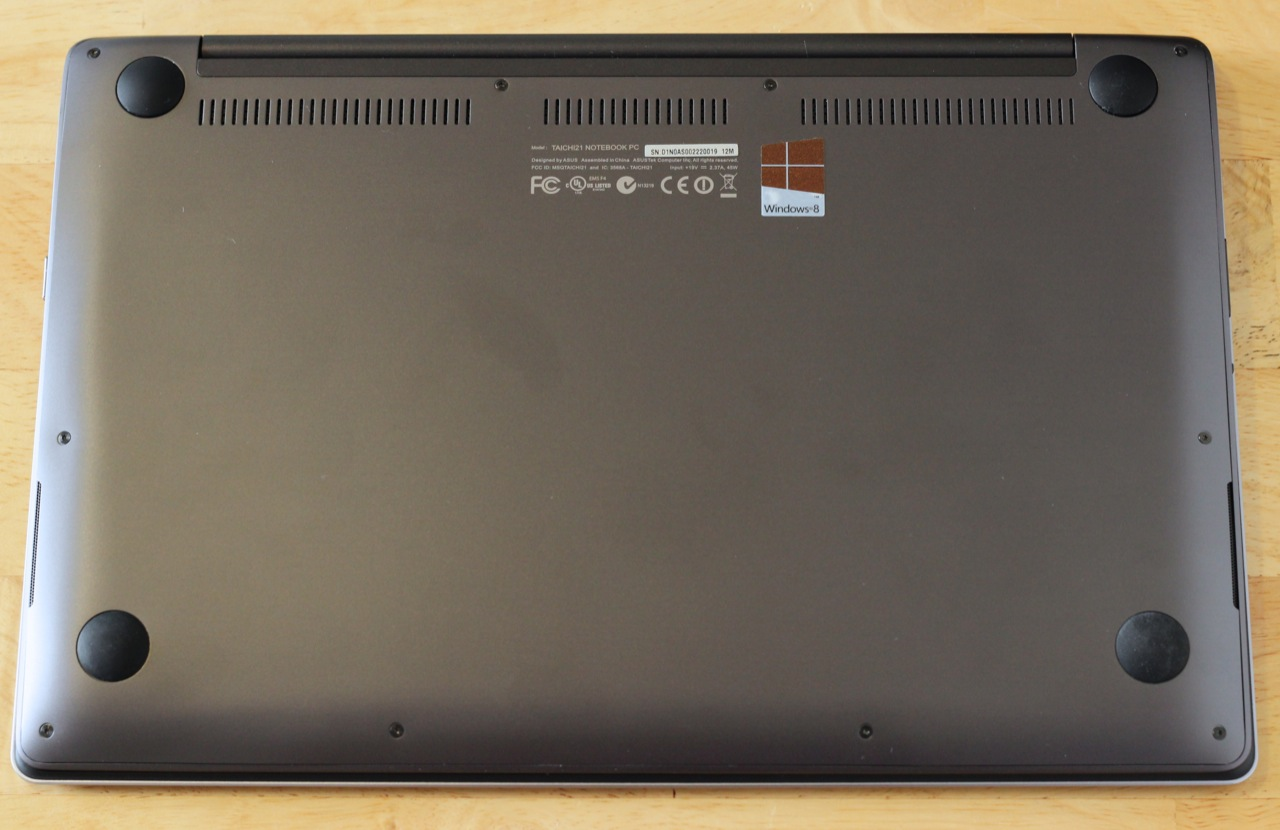
Step 2: Check for a sticker labelled Serial Number or S/N
- This sticker will show the serial number which will contain different letters and digits.
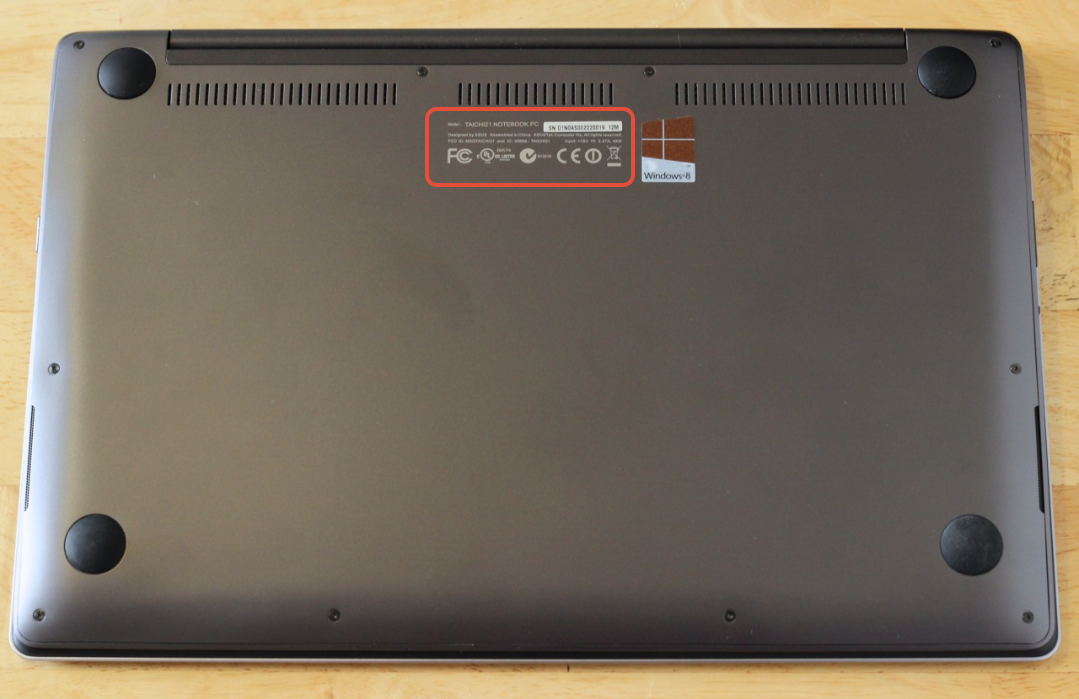
Now you have found the serial number to give to us.
Was this article helpful?
That’s Great!
Thank you for your feedback
Sorry! We couldn't be helpful
Thank you for your feedback
Feedback sent
We appreciate your effort and will try to fix the article